Designing A Cleaner Form
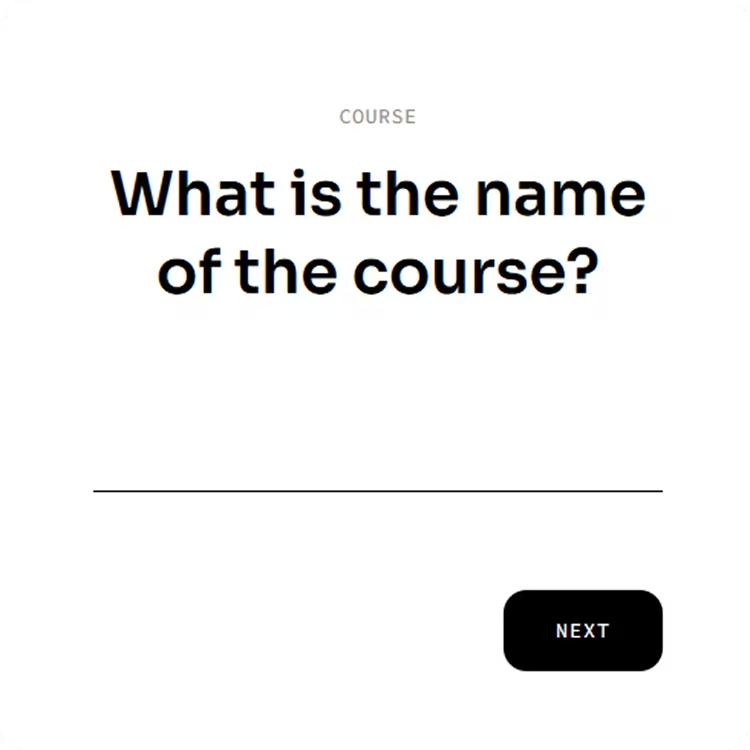
Standard forms can feel messy with crowded boxes and labels everywhere. To keep Memo looking as clean as a blank notebook, the entire creation screen was stripped down to a single, bold question: "What is the name of the course?" Instead of typing inside a box, the user types directly on a simple horizontal line. This makes the text feel like part of the design itself and removes the usual clutter of filling out a form.
Saturated Colors And Bright Glows
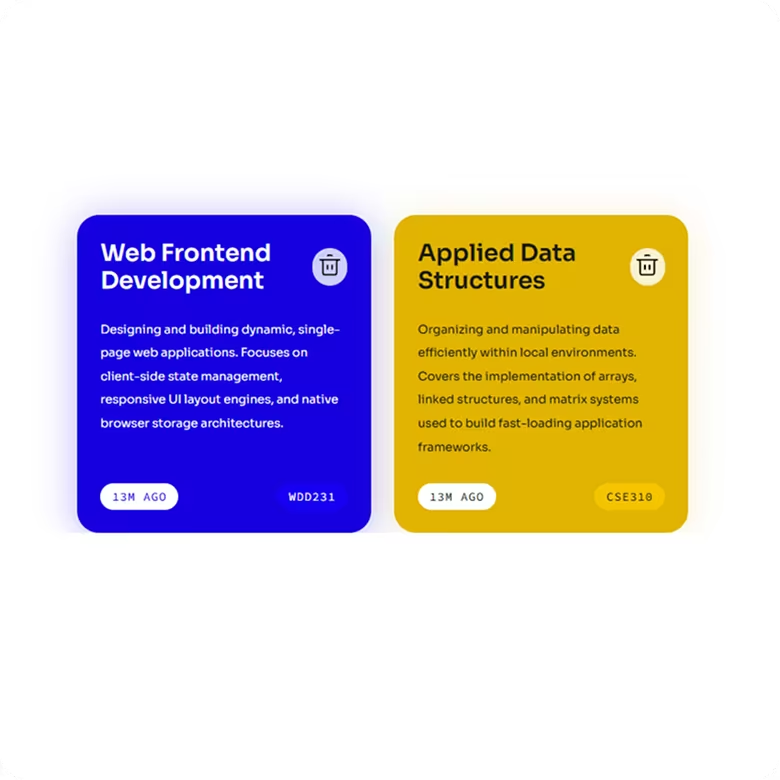
Once a course is saved, it pops up as a bright, colorful block card that contrasts sharply against the clean white background. Instead of using thin outlines, each card is filled with a solid, vibrant color—like electric blue, rich yellow, or deep purple—and given a soft, glowing color shadow underneath. The typography inside uses bold white headers paired with small tracking badges at the bottom (like "JUST NOW" or "3M AGO") so the card is easy to read at a glance.
Keeping The Menu Out Of The Way
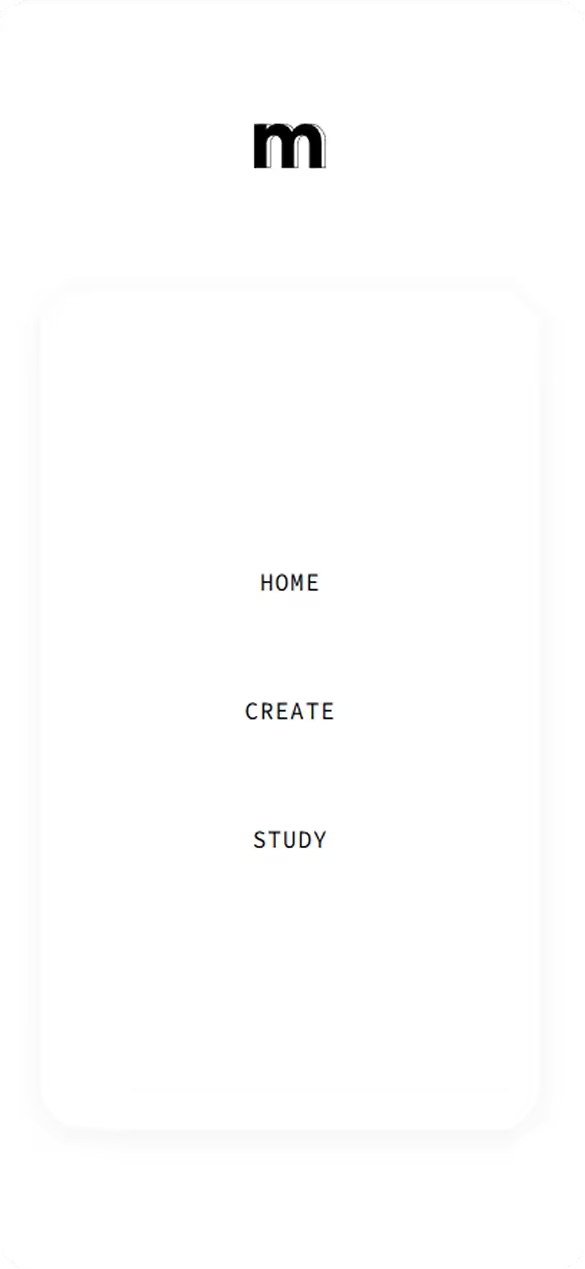
To make sure the course cards have as much room as possible, the navigation links are placed inside a floating vertical sidebar on the left. This keeps the layout organized and gives the menu its own dedicated space without cutting into the rest of the screen. The wide spacing between the text links makes the interface feel open and calm before the user even starts creating anything.
Storing Data Instantly In The Browser
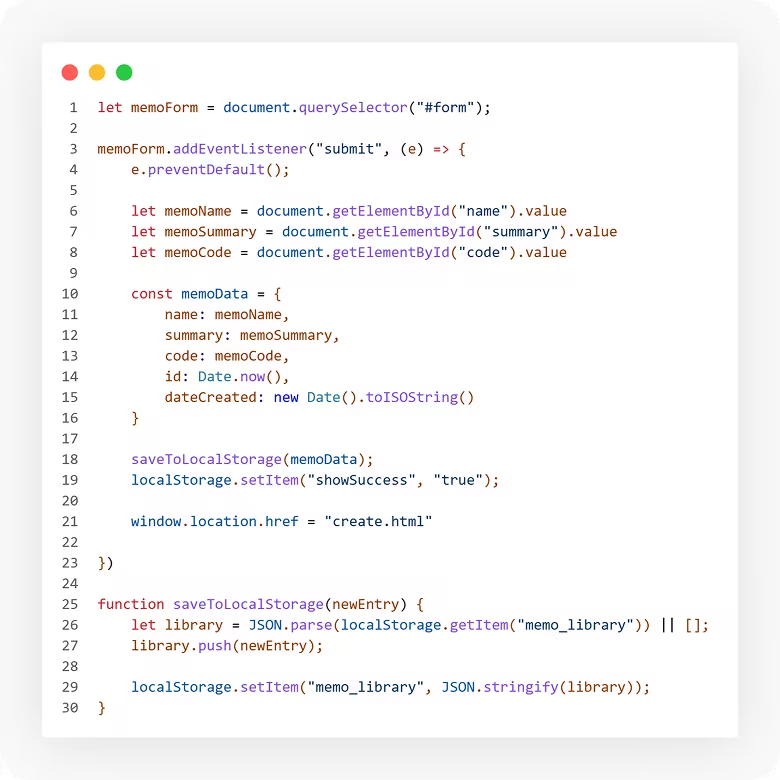
Since this tool runs completely inside the browser without a database, the interface needs to update instantly so the user knows their work is safe. When a course card is created or deleted using the trash icon, the code updates the screen in real-time while saving the data straight to the browser's local memory (localStorage). When the page is reloaded, the system reads that saved list immediately and snaps the cards back into their exact spots without a hitch.